A second ago the iPhone was fine. Now the screen is locked, taps do nothing, and you cannot even power it off. Skip the repair shop for a moment: a force restart usually fixes it without wiping photos or apps. If the usual button combo fails, there is one more trick worth trying.
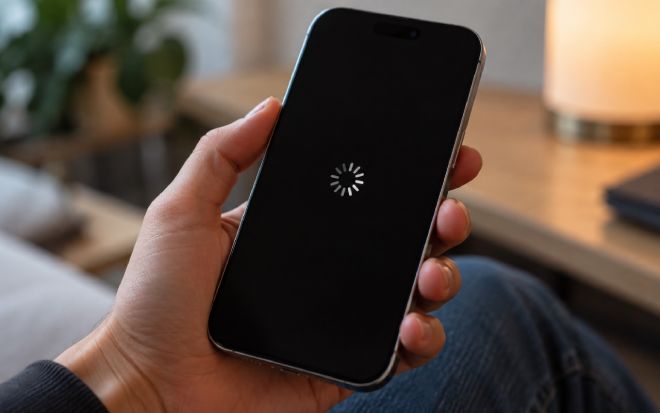
How to force-restart a frozen iPhone
On iPhone 8 and newer, including iPhone 17, the force restart is the same:
- Quickly press and release Volume Up.
- Quickly press and release Volume Down.
- Press and hold the right Side button until the Apple logo appears.
Do not let go early: wait for the logo. If nothing happens, check that you hit the buttons in that exact order.
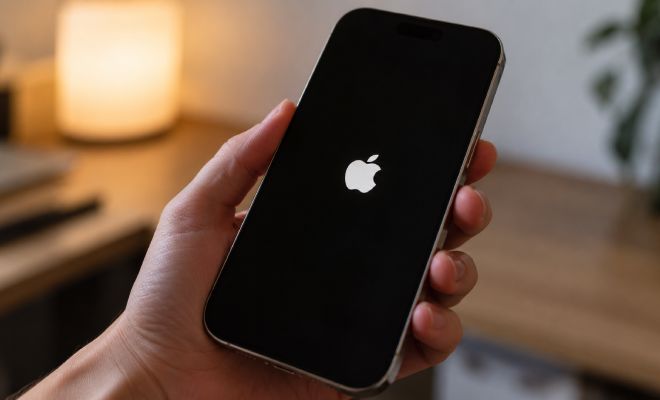
Older models differ: iPhone 7 and 7 Plus hold Side + Volume Down; iPhone 6s and first-gen SE hold Home with the Side or Top button.
When the standard combo fails
Action Button phones have a quirk. On an iPhone 16 Pro Max, the usual sequence did nothing; what worked was Volume taps, then holding Side together with the Action Button on the left, above the volume keys.
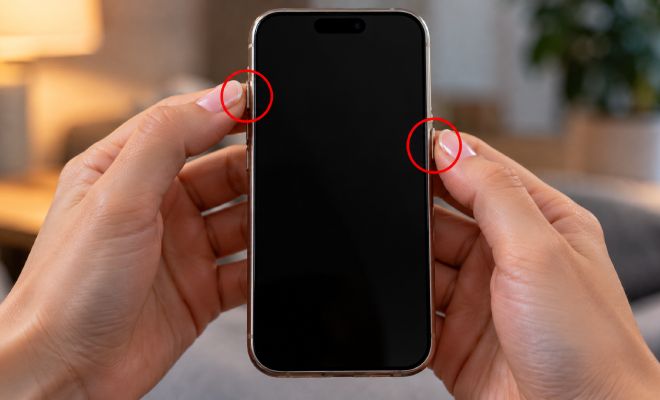
That is personal experience, not an official Apple force-restart tip. If the standard method fails, try it, knowing it is not guaranteed.
If that still fails, check charging and move on to deeper diagnostics.
Black screen: check the charger
If the phone will not boot, plug it into a known-good charger for about an hour, then force-restart again. Still nothing? Swap cable and adapter.
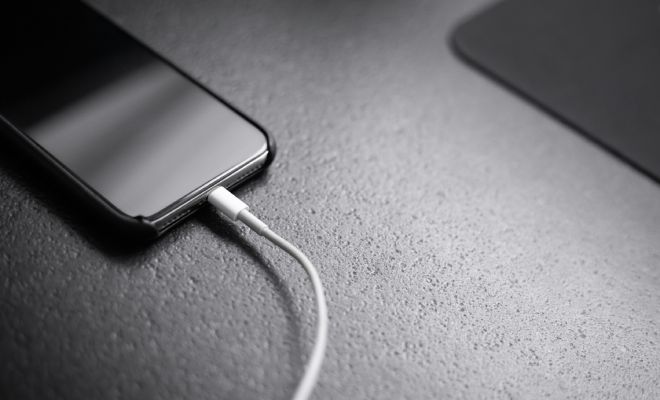
If it got wet, took a hard hit, or runs unusually hot, skip DIY charging experiments and go to a shop.
If it freezes again and again
Repeat freezes are not always a one-off glitch. Check free storage, iOS updates, and whether the same app triggers the hang.
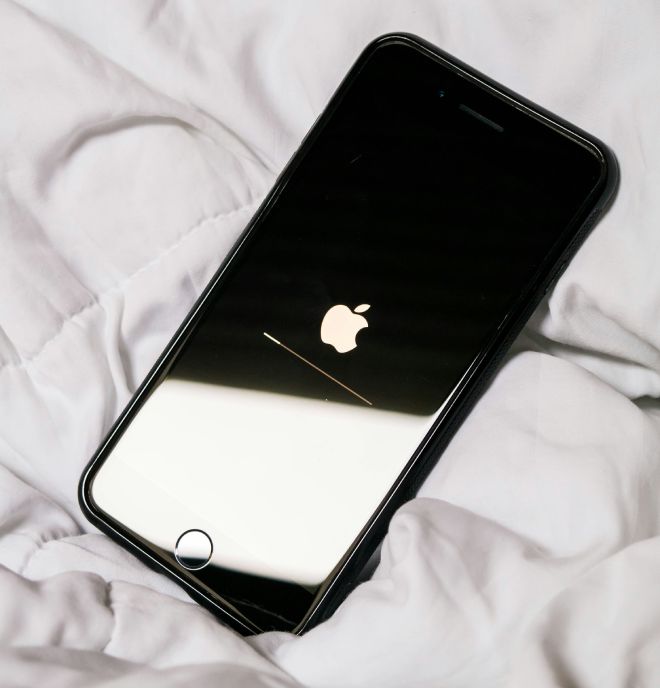
If only one app locks up, swipe it away in the app switcher and reopen. If the whole phone freezes, reboots on its own, or sticks on the Apple logo, you may need a restore via a computer.
Do not rush a wipe restore: you can lose data. With no backup, study restore options first or talk to a specialist.
Restart vs restore
A force restart clears a freeze without deleting your stuff. A system restore is heavier and, depending on the path, can wipe data.

So start simple. Even an expensive phone sometimes needs a short reboot, not a repair, and that is still the cheapest way to put it in a better mood.